How to Plan Your First DJ Set on the DDJ-400 (or FLX4)
You can beatmatch, you can swap basslines cleanly, and your transitions land on the phrase. The next leap — the one that turns practice sessions into a set you'd happily play at a gig — is planning. Here's how to build a set that flows, on your DDJ-400 (or FLX4), step by step.
Why a planned set beats winging it
Freestyling has its place, but a planned set does three things winging it can't: it guarantees your energy rises and falls deliberately, it makes sure every transition is in a compatible key, and it removes the panic of scrolling for a next track with twenty seconds left on the deck. For a first gig especially, a plan is the difference between enjoying it and surviving it.
Start with the shape: the energy arc
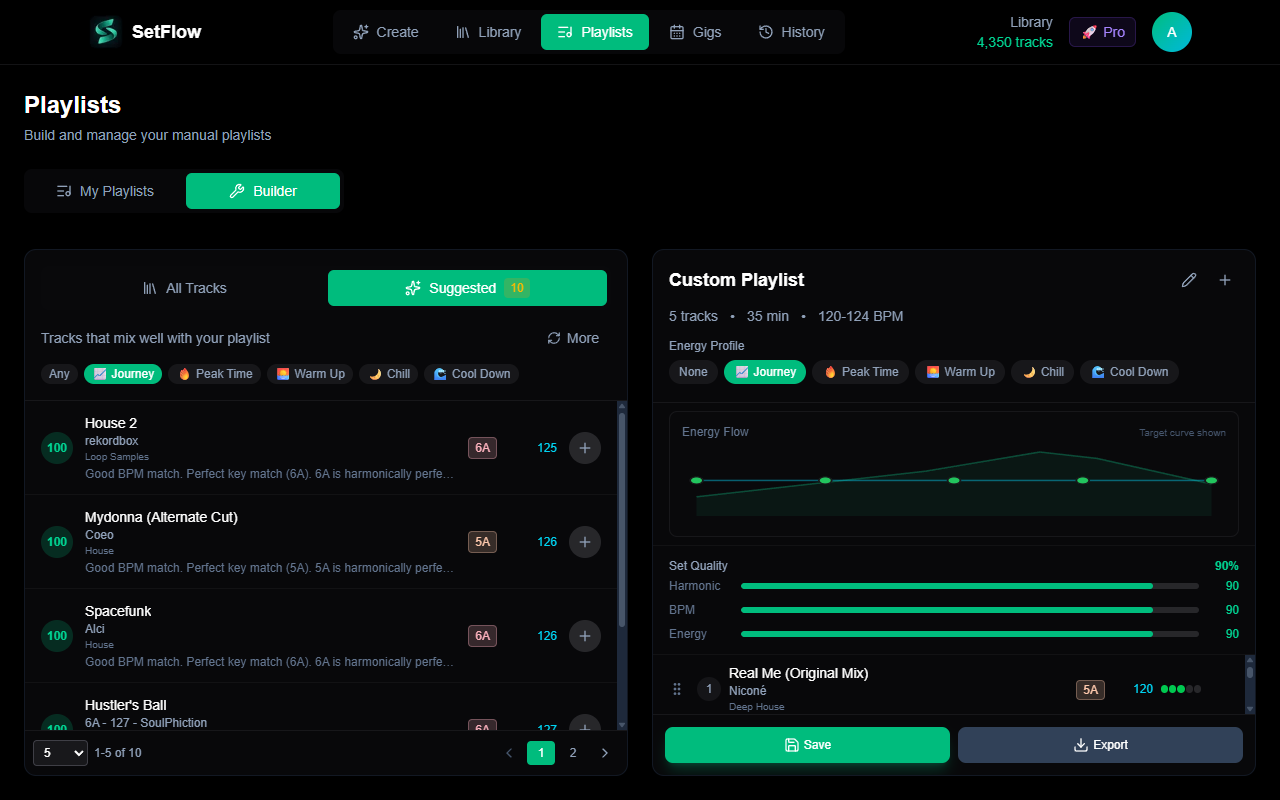
Every good set tells a story with its energy. The classic shape is a wave: an understated warm-up, a steady build, a peak where you drop your biggest tracks, and a comedown that lets the room breathe. Don't open at full throttle — you leave yourself nowhere to go.
There are several structures that work depending on the slot you're playing (an opening warm-up set is shaped very differently from a peak-time set). Our guide to DJ set energy flow breaks down five structures you can copy directly.
Do the maths: how many tracks?
For a 60-minute set, plan for around 18–22 tracks. You'll play most for 2.5–3.5 minutes before blending, with transitions overlapping by 30–60 seconds. Always prepare a handful of extra tracks beyond the plan so you can react if the room wants more energy — or less.
Pick your anchors first
Don't build a set front to back from a blank page. Instead:
- Choose your peak. Pick the 3–5 tracks you absolutely want to land at the high point, in a tight, high-chemistry sequence.
- Choose your opener. Something at 60–70% of peak energy, with room to build — sets the tone without showing your hand.
- Fill the gaps with tracks that bridge opener to peak and peak to close, keeping each step in the journey small.
Make the transitions flow: BPM and key
With your anchors placed, order the rest so each track flows into the next. Two rules carry most of the weight:
- Keep BPM steps small. Big tempo jumps are jarring. Move in gentle steps, or group tracks of similar tempo together and shift gears deliberately.
- Mix in compatible keys. Use the Camelot wheel to keep each transition harmonically smooth. Adjacent numbers and major/minor switches are your safe moves.
Build the setlist in Rekordbox — the manual way
Create a new playlist in Rekordbox for the set, drag your chosen tracks in, and reorder them into your planned sequence. Use the BPM and key columns to sanity-check each transition as you go. Then load it onto the DDJ-400 and run it a couple of times, noting any joins that don't feel right and swapping tracks until they do. This works, and doing it by hand teaches you a lot.
The shortcut: let SetFlow build the ordered set for you
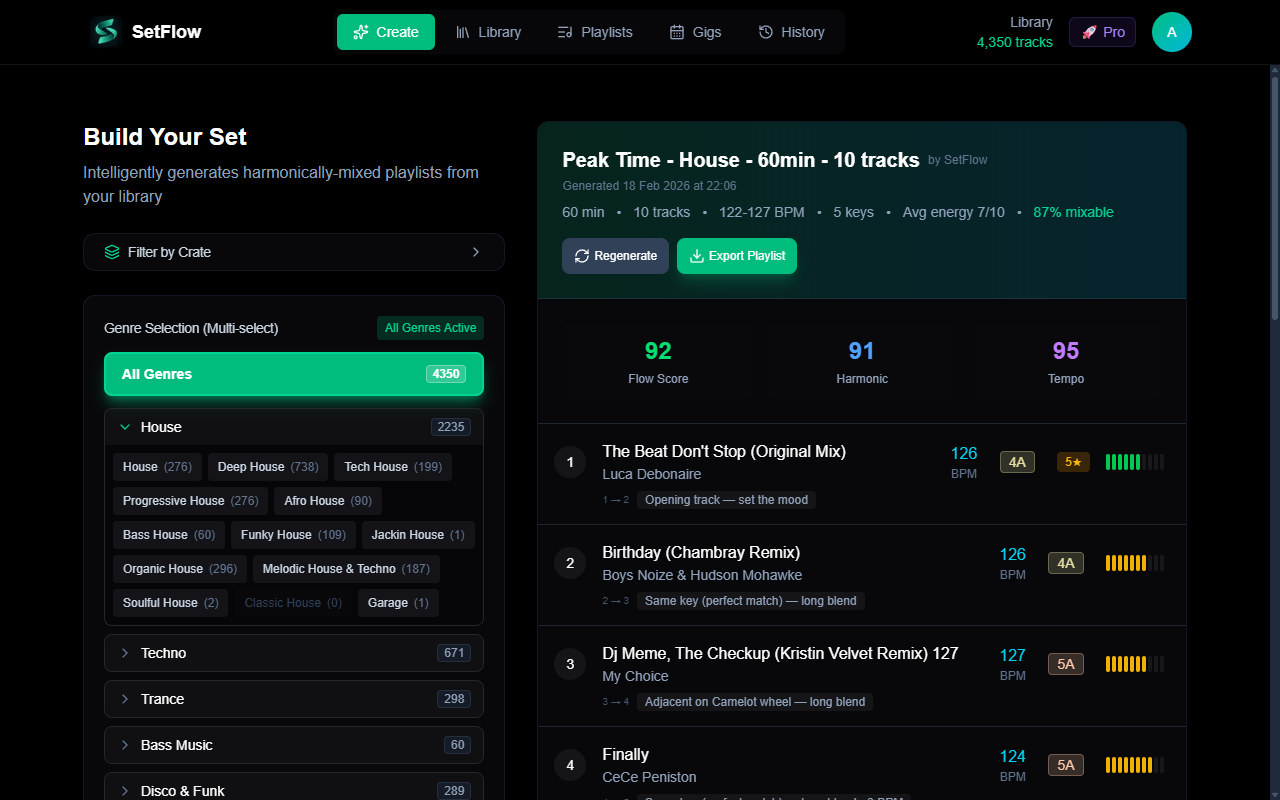
Sequencing twenty tracks by key, tempo and energy by hand is slow — and it's exactly the kind of problem a computer is good at. SetFlow imports your existing Rekordbox (or Serato) library and generates a complete, harmonically ordered set in seconds. It scores every possible transition on key compatibility, BPM match and energy flow, then picks the sequence that flows best.
It's not a black box: every transition is labelled with why it works, so you learn the logic rather than just trusting it. Disagree with a pairing? Swap it, lock a track you love in place, reshape the energy curve, and regenerate. See the full workflow in how to build a harmonically mixed DJ set, or hand-pick every track yourself with the playlist builder.
Load it onto the DDJ-400 and practise
Export the set back to Rekordbox (or Serato) as a playlist, load it up, and practise it on the controller. Play it start to finish, record it, and listen back. Mark the transitions that snag and rework them. Run a set two or three times and the muscle memory is there — a gig feels like a rehearsal you've already nailed.
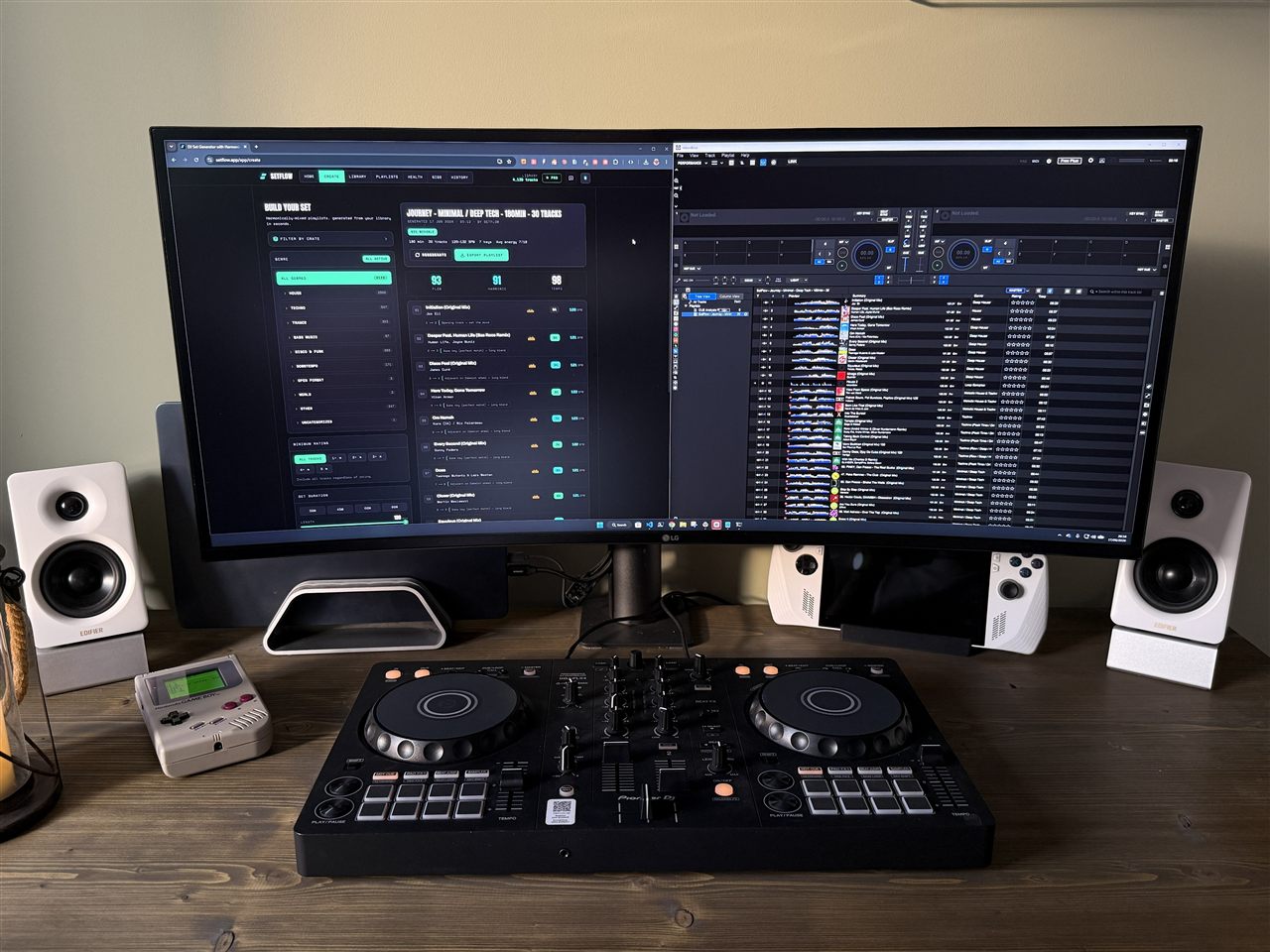
Need a refresher on the controller itself? Start with the DDJ-400 beginner's guide, and sharpen your technique with these 12 DDJ-400 tips and tricks.
Frequently Asked Questions
How many tracks do I need for a 60-minute DJ set?
For a one-hour set, plan for roughly 18 to 22 tracks. Most tracks play for about 2.5 to 3.5 minutes before you blend into the next, with transitions overlapping by 30 to 60 seconds. Have a few extra tracks ready beyond your plan so you can react to the room.
Should I plan every track or leave room to improvise?
Plan the shape, not every second. Lock in your opening few tracks and your peak sequence — the moments that matter most — then leave flexibility in the middle so you can respond to the crowd. A planned skeleton with room to improvise gives you the confidence of preparation without sounding robotic.
How far in advance should I plan a set for a gig?
Give yourself at least a few days so you can practise it on the DDJ-400 and tweak transitions that don’t flow. Last-minute planning is the main reason first gigs feel stressful. Build the set, run it a couple of times, adjust the spots that snag, and you’ll walk in calm.
Can I reuse a DJ set for multiple gigs?
You can reuse the structure and your strongest sequences, but vary the track selection for different rooms and crowds. Keeping a history of sets you’ve played makes this easy — you can see what worked, swap out a few tracks, and adapt the energy for the next venue.
Ready to build better sets?
Import your Rekordbox, Traktor, or Serato library and generate perfectly mixed DJ sets in seconds.
Try SetFlow Free