Plan Your DJ Sets from Your Phone
SetFlow is built mobile-first. Whether you're on the train to a gig, backstage waiting to go on, or just browsing your library on the sofa — every screen is designed to work on your phone. And with the latest update, iOS Safari users get a much smoother experience.
What's New for Mobile
We've shipped a round of iOS Safari fixes that address some of the most annoying mobile browser quirks:
- No more auto-zoom on input focus — iOS Safari zooms in when you tap a text field with a font size under 16px. Every input, select, and textarea in SetFlow now uses the correct size on mobile, so the page stays still when you start typing
- Modals that fit your screen — modals now use dynamic viewport height (
dvh) instead ofvh, which means they properly account for Safari's address bar, status bar, and home indicator. No more content cut off behind the bottom of the screen - Tighter spacing on small screens — form padding, grid gaps, and textarea heights adapt to your screen size, so forms like the gig editor fit comfortably without scrolling past the keyboard
Your Library in Your Pocket
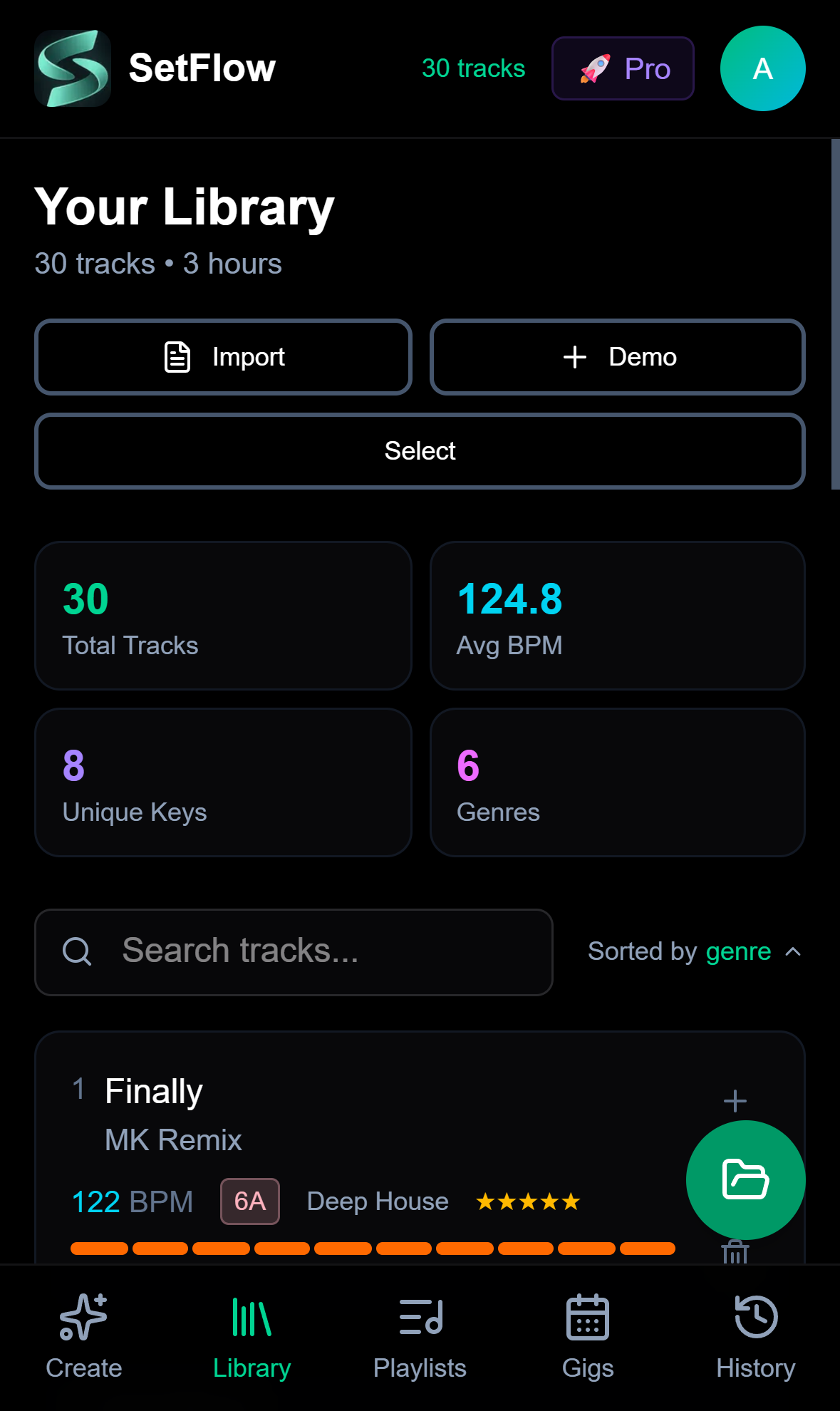
The library page shows your full track collection with stats at a glance — total tracks, average BPM, unique keys, and genres. Search, sort, and browse your entire Rekordbox or Traktor collection from your phone.
Build Sets Anywhere
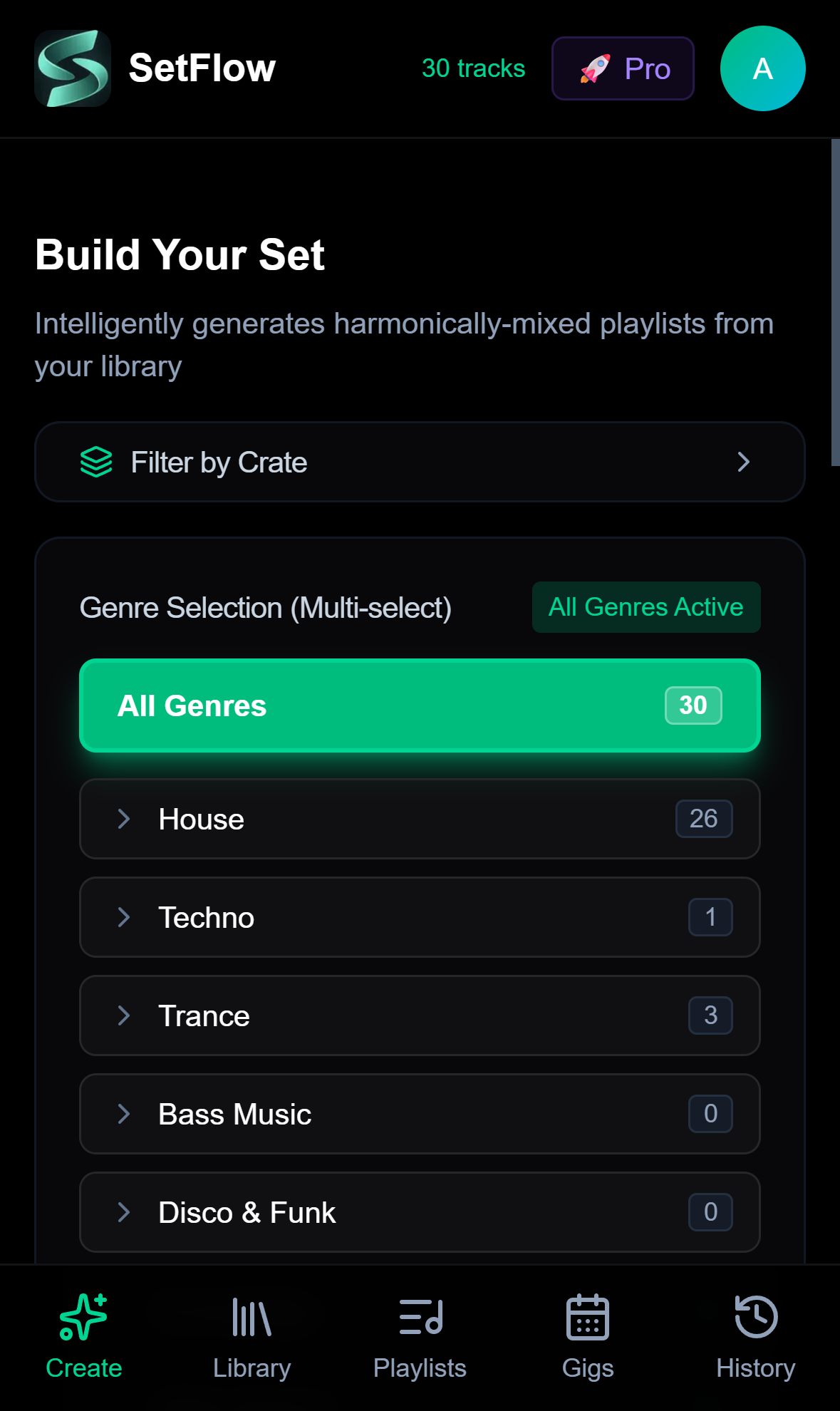
The Create page gives you genre selection, crate filtering, energy profiles, and set duration controls — the same tools you get on desktop, optimised for touch. Pick your vibe, tap generate, and you've got a harmonically-mixed set in seconds.
Manage Your Gigs on the Go
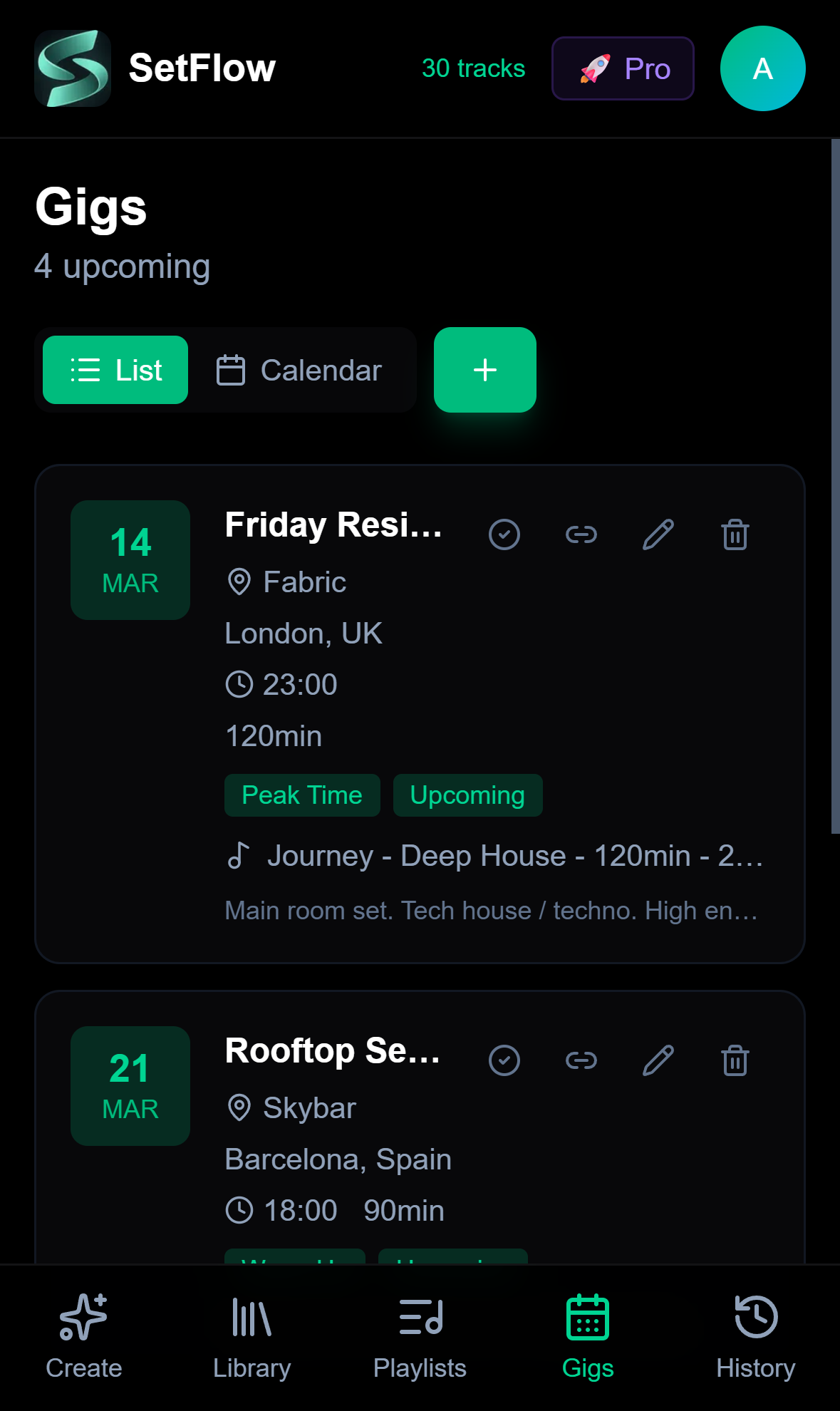
The gig calendar works just as well on mobile. View upcoming gigs, add new ones, link sets, and check venue details — all from the list or calendar view. The gig form now fits perfectly on even the smallest iPhones without any horizontal overflow.
Playlists and Everything Else
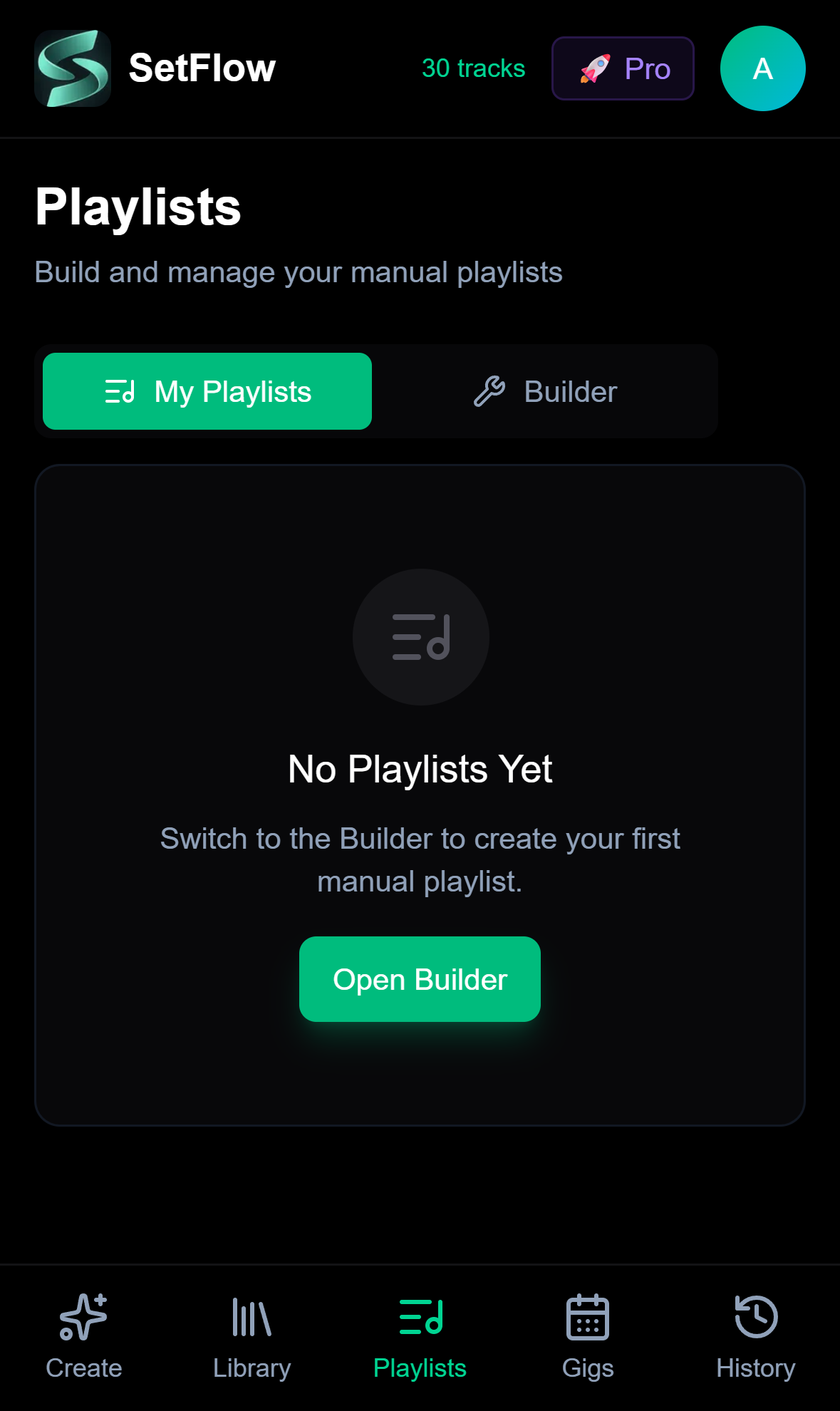
Manual playlists, set history, settings — every page in SetFlow is responsive. The bottom navigation bar keeps all five sections one tap away, just like a native app. And if you install SetFlow as a PWA, it launches full-screen with no browser chrome at all.
Try It on Your Phone
Open setflow.app in Safari or Chrome on your phone right now. Import your library, generate a set, and see how it feels. If you want the full native-app experience, install it as a PWA — one tap and it's on your home screen.
New to SetFlow? Start your free trial — import up to 500 tracks, generate 3 sets, and plan your next gig from your pocket.
What's Improved
- ✓No more iOS Safari auto-zoom when tapping inputs
- ✓Modals use dynamic viewport height — no content hidden behind Safari's chrome
- ✓Tighter form spacing on small screens — gig editor fits without awkward scrolling
- ✓Every page fully responsive — library, create, gigs, playlists, history
- ✓Install as a PWA for a native app experience
Ready to build better sets?
Import your Rekordbox, Traktor, or Serato library and generate perfectly mixed DJ sets in seconds.
Try SetFlow Free