How Many Tracks in a DJ Set? Planned to the Minute, With Your Music
Ask how many tracks you need for an hour and you'll get the same rule of thumb everywhere: ten tracks an hour, because tracks average six minutes. It's a fine rule — until you actually plan a set with it. Your library isn't average: it's 3-minute edits, or 8-minute extended mixes, or a blend of both. SetFlow now plans your set with the real length of every track it picks, so a 90-minute slot comes out as 90 planned minutes — not ten guesses in a row.
The old maths, and why it lies to you
The ten-tracks-an-hour rule assumes a six-minute average and that you play every track front to back. Play club-length extended mixes and an “hour” planned that way runs 20 minutes over; play radio edits and you're out of music with a third of your slot left — the exact moment you don't want to be improvising a rescue. If you want the general arithmetic, our set length calculator covers every combination — but arithmetic on an assumed average only gets you an assumed answer.
SetFlow now counts with your actual music
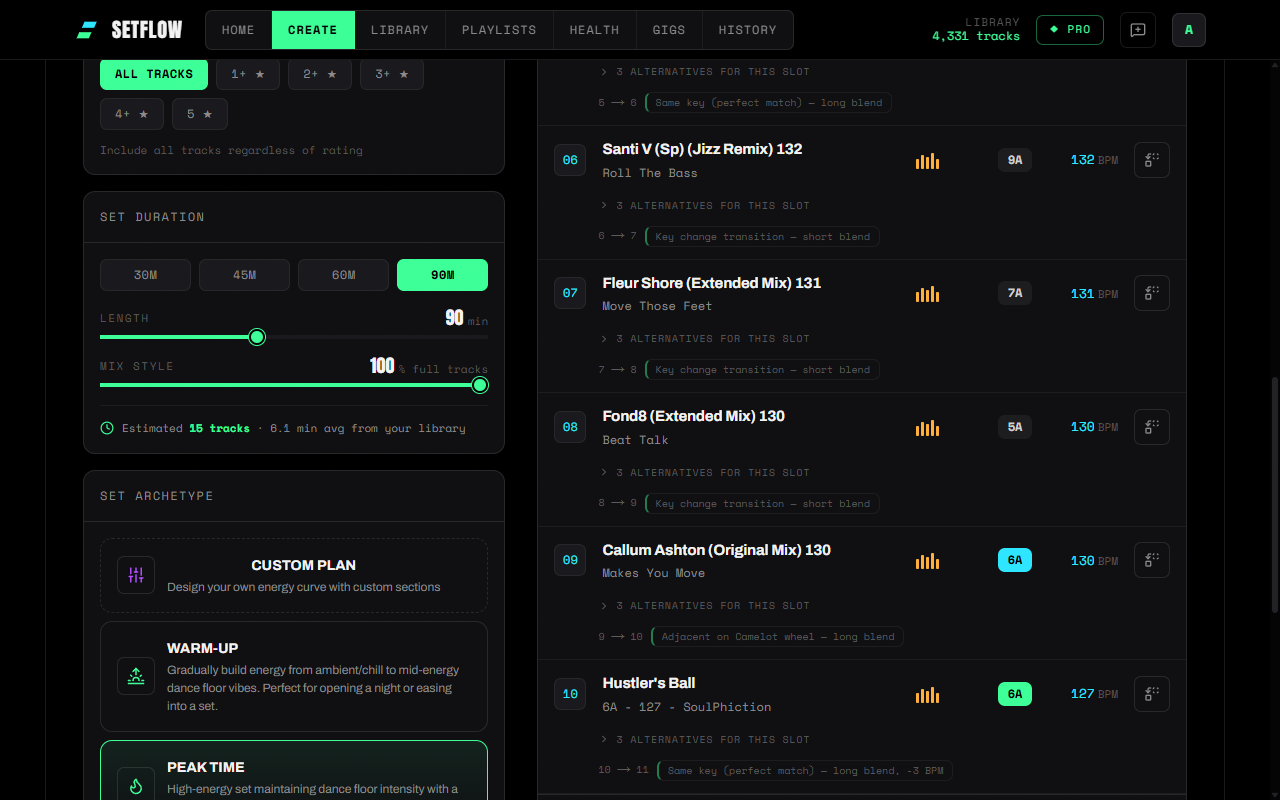
The Set Builder's estimate now comes from your library, not a constant. SetFlow takes the real typical track length of the collection you're generating from (the median, so one 58-minute live mix in your library can't skew it) and works out how many tracks your slot genuinely needs. You can see it in the estimate line — “6.1 min avg from your library” on one collection might be “3.4 min avg” on another, and the track counts adapt to match.
Landing on the slot, not near it
The estimate is only the start. While the generator builds your set, it adds up the actual playing time of every track it selects and keeps going until the set lands on your requested length — taking the final track only if it brings the total closer to the target than stopping without it. Using Quick Mix to play 60% of each track? The maths scales with it, so shorter blends mean more tracks in the same hour, counted correctly.
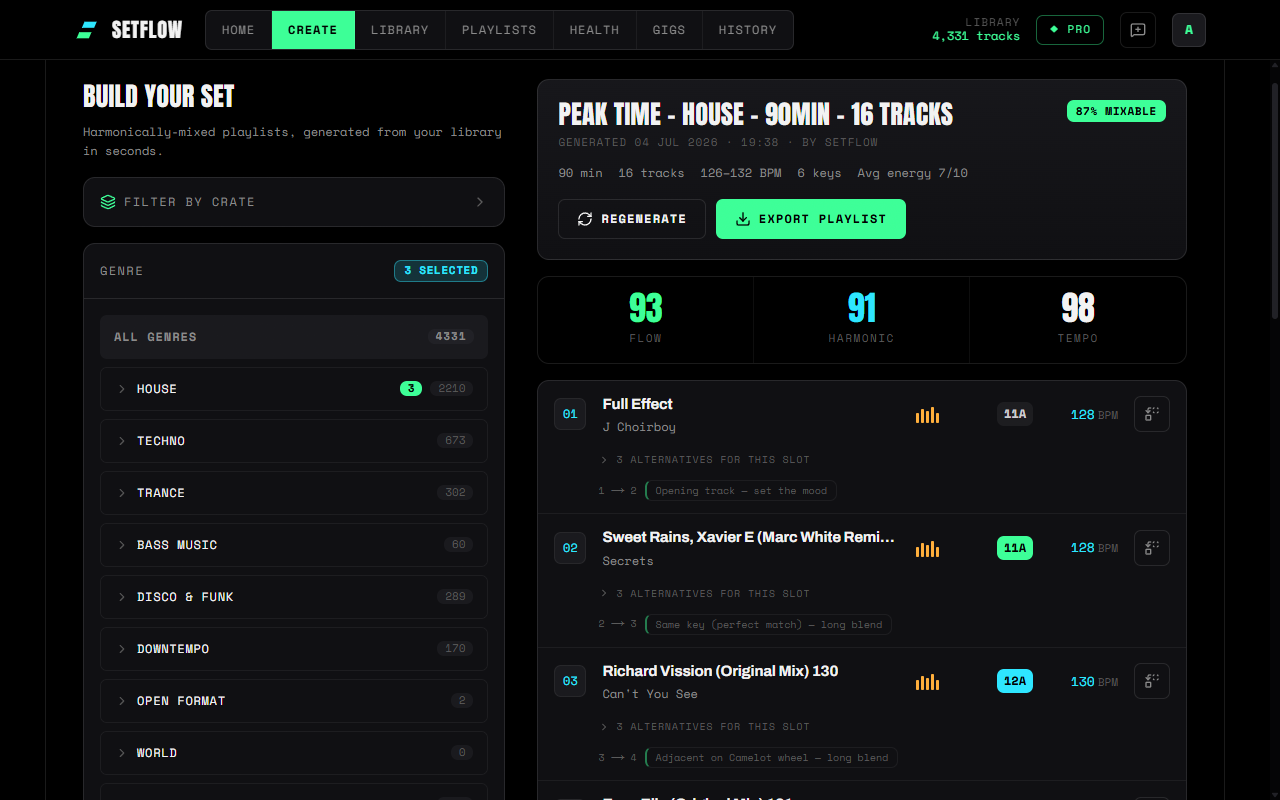
The duration on a saved set now means something, too: it's the actual planned playing time of the tracks in it. And if your library genuinely can't reach the length you asked for — say, a 3-hour request against forty matching tracks — SetFlow says so in the generation notes rather than quietly padding the number.
The details that keep it honest
- Locked tracks are never dropped. Regenerate with locked positions and the planner keeps building until every lock is placed, even if the timing maths would have stopped sooner.
- A pinned closer keeps its space. Pin an outro and its playing time is reserved up front, so your finale fits inside the slot instead of spilling past it.
- Every set still gets a proper arc. The energy curve, key variety, and harmonic scoring all follow the real track count, so a 16-track hour builds and peaks like an hour should.
Smarter energy across all 55 genres
The same release upgrades how SetFlow reads a track's energy from its genre. The genre-to-energy mapping now covers the full genre list — previously styles like Minimal / Deep Tech, Amapiano, Mainstage, and Indie Dance fell back to generic BPM guesses, and Drum & Bass was scored like mid-energy bass music instead of the 8–10 it deserves. Better energy readings mean better curve-following in every generated set. One honest note: the new mapping applies to tracks as they're imported — tracks already in your library keep their stored energy until you re-import or edit them.
So — how many tracks do you need?
The real answer: it depends on your music, and now you don't have to work it out. Pick your slot length, and SetFlow counts it with your actual tracks — then walk in covered with alternatives on every slot and a gig crate around the set. If you're still sketching the night on paper first, start with how to plan a DJ set and let the builder do the arithmetic.
Ready to build better sets?
Import your Rekordbox, Traktor, or Serato library and generate perfectly mixed DJ sets in seconds.
Try SetFlow Free